
SwipeBox: Control Short Videos Without Touching Your Phone
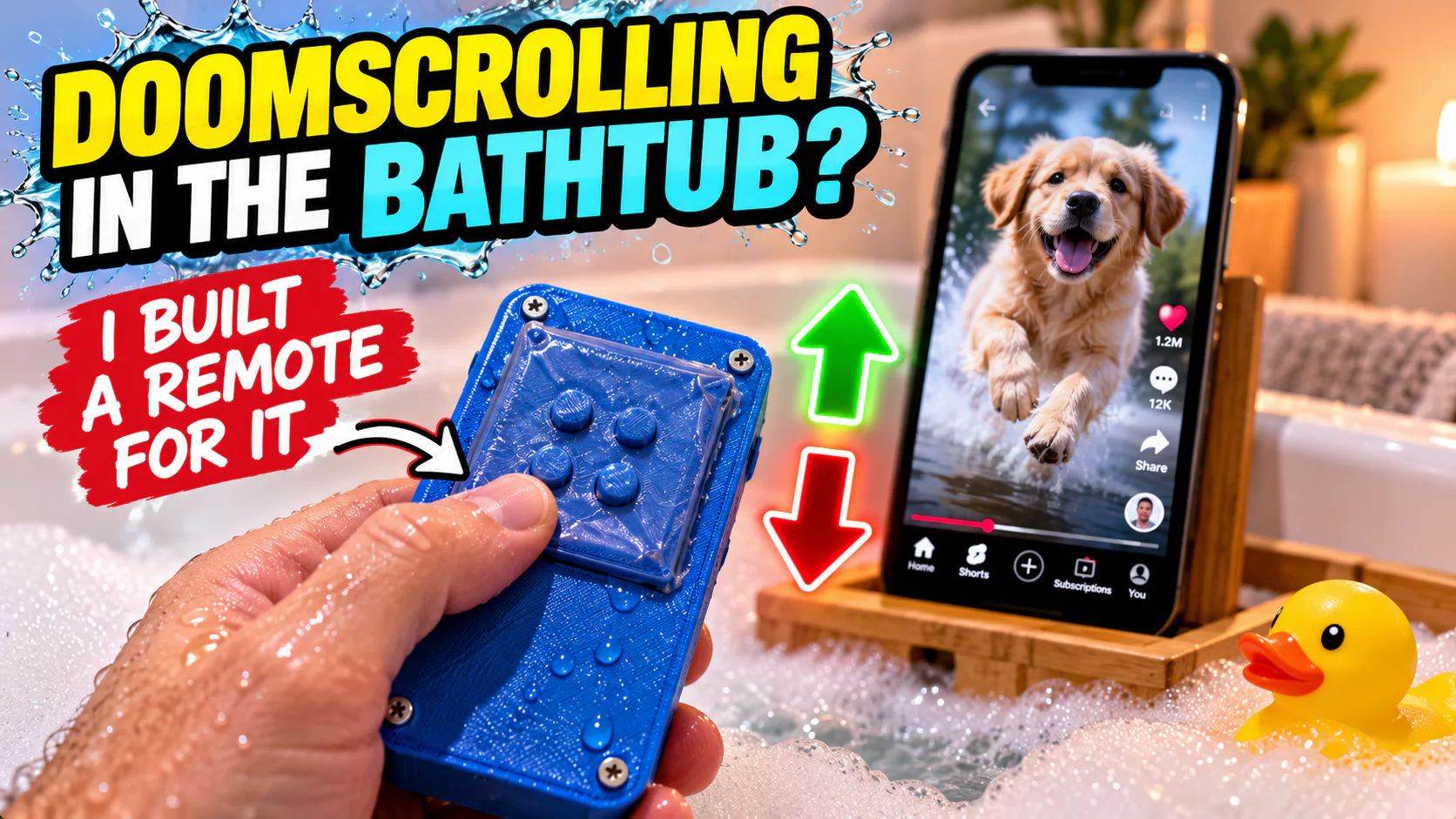
SwipeBox is a DIY Bluetooth controller for swiping and pausing short videos when your hands are wet. A compact enclosure and a freezer-bag membrane give the build a practical way to handle splashes.
A practical answer to wet hands
Swiping through short videos is easy until your hands are wet. Touchscreens can miss gestures or register unintended inputs when water gets between your finger and the glass. SwipeBox approaches that problem by moving the controls away from the screen. Instead of touching the phone, you use a separate Bluetooth controller to swipe and pause.
How SwipeBox talks to the phone
The controller uses a Bluetooth HID microcontroller. HID, short for Human Interface Device, is the standard used by peripherals such as mice and keyboards. SwipeBox emulates mouse gestures, giving the phone a way to receive swipe and play-or-pause commands without relying on a finger touching the display.
That makes the Bluetooth link central to the idea. The controller sends input as a peripheral, while the phone continues to display the video. Wet hands no longer need to make reliable contact with the touchscreen for each action.
Keeping splashes away from the electronics
The build places its electronics, batteries, and an on/off switch inside an AI-generated enclosure. A freezer-bag membrane forms part of its water-resistant construction. It is a simple material choice for a DIY project: plastic film is inexpensive and can provide a barrier between water and the components inside.
Water-resistant does not mean safe to submerge. Treat the membrane as a splash barrier rather than proof of a waterproof rating, and keep the phone itself away from water.
See the controller in action
The demonstration video below shows the idea in use. Watch how the separate controller replaces interaction with the phone screen; that is the useful part of the design.
Why a separate control can be useful
SwipeBox makes one everyday interaction easier by changing where it happens. The phone handles the video, and the Bluetooth peripheral handles the input. For someone who wants to pause or move through short videos without repeatedly touching the screen, that separation is the appeal of the project.